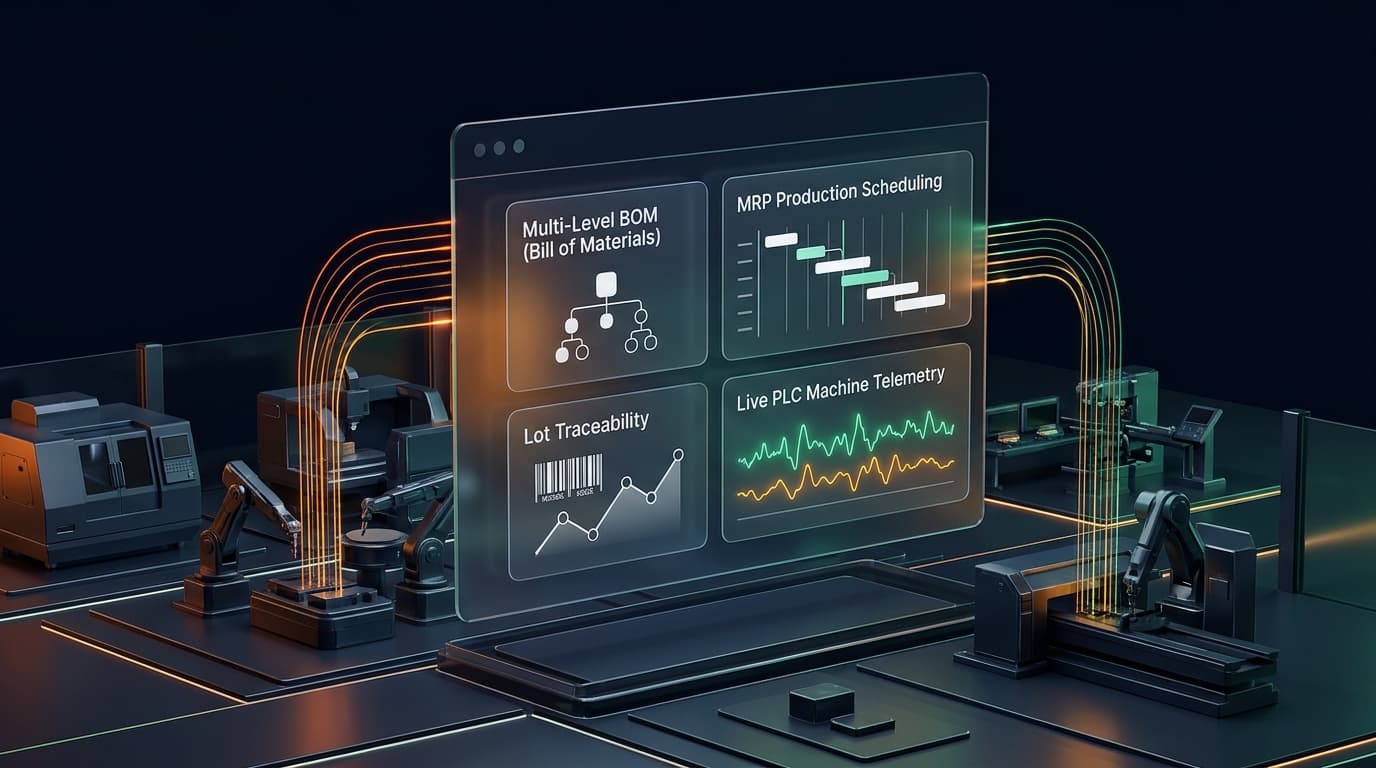
ERP for the manufacturing industry is software that ties demand, materials, production and cost into one record, so a work order, a stock issue and a job cost are the same transaction. Most manufacturers already run accounting software. What they lack is a system that knows a machine stopped this morning. This guide compares 7 systems on modules, machine-data links and price.
What is the best ERP for manufacturing in 2027?
There is no single best ERP for manufacturing industry needs: a 10-person workshop and a 400-person plant with PLCs want different things. The table ranks each option by the manufacturer it fits.
| ERP option | Best for | Listed starting price | Machine data |
|---|---|---|---|
| 1. YoByTech custom cloud ERP | Plants wanting live machine data inside ERP | Quote on request | Native, via LPU and PLC |
| 2. Odoo | Multi-module operations on a budget | $24.90/user/month | Through integrations |
| 3. Katana | Small makers and workshops | $0 up to 30 SKUs | Through integrations |
| 4. MRPeasy | Production planning and traceability | $49/user/month | Through integrations |
| 5. Fishbowl | Inventory-heavy makers on QuickBooks | $229/month, 2 users | Through integrations |
| 6. Deskera | ERP, CRM and MRP in one subscription | $199/user/month | Through integrations |
| 7. ERPNext | Teams with developers in house | Hosting from $5/month | Custom build |
What is ERP in manufacturing?
ERP in manufacturing is a single system that plans what to make, reserves the materials to make it, records what was actually produced and prices the result. The bill of materials sits at its centre, linking every finished item to its components and routing.
A manufacturing ERP differs from a general ERP in 4 ways:
- 1Bill of materials: multi-level recipes with scrap and substitutes.
- 2Production orders: scheduled runs with operations, machines and labour.
- 3Material planning: shortages calculated from demand, stock and lead times.
- 4Traceability: lot and serial history from raw material to customer.
How does ERP work in manufacturing?
A manufacturing ERP runs a 6-step loop that repeats with every order. Each step writes to the same database. Planners and accountants finally see one version of the job, instead of two spreadsheets that disagree by Friday.
- 1Demand: a sales order or forecast creates expected demand.
- 2Planning: the system explodes the bill of materials and flags shortages.
- 3Purchasing: purchase orders go out for missing materials.
- 4Production: work orders schedule machines, operators and operations.
- 5Recording: finished quantities, scrap and downtime are booked back.
- 6Costing: material, labour and overhead land on the job and the ledger.
Step 5 is where most plants lose accuracy. Operators key in output hours later, and the ERP ends up reporting a plant that does not exist.
What are the ERP modules for the manufacturing industry?
ERP modules for the manufacturing industry cluster into 6 groups, and most vendors charge by how many you switch on. Buy the ones your bottleneck needs first.
| Module | What it does | Who uses it daily |
|---|---|---|
| Bill of materials | Holds recipes, routings and versions | Design, planning |
| Production planning | Schedules work orders and capacity | Planners |
| Inventory and warehouse | Stock, bins, lots and transfers | Stores |
| Procurement | Requests, purchase orders, vendors | Purchase |
| Quality | Inspections, rejections, compliance | QA |
| Finance and costing | Job costs, ledgers, GST and tax | Accounts |
What are the top ERP systems for manufacturing companies?
The 7 options below span custom builds, cloud MRP tools and open-source platforms. Each is a credible ERP for the manufacturing industry at a different size of plant. Each entry gives its fit, standout features and listed price.
1. YoByTech custom cloud ERP
YoByTech builds modular cloud ERP platforms where finance, procurement, QR and RFID inventory, HRMS, GIS mapping and live field telemetry share one database. For manufacturers, the difference is where machine data comes from. It arrives through the same architecture, not a nightly file.
- Shop-floor link: Local Processing Units and PLC integration poll field instruments and feed the ERP.
- Monitoring: YoByTech reports 99.98% process uptime with sub-second autonomous failover on its RTM deployments.
- Protocols: Modbus RTU and TCP, OPC-UA and MQTT, so legacy panels are not replaced.
- Security: role-based access control, MFA, TLS 1.3 and AES-256 encryption.
- Reported result: YoByTech reports 60%+ faster administrative, audit and financial reconciliation on its cloud ERP builds.
- Price: quote on request. See custom cloud ERP and executive dashboards.
Best fit? Plants with mixed-age machinery where off-the-shelf MRP cannot see the equipment.
2. Odoo
Odoo covers manufacturing, inventory, maintenance, PLM and quality as separate apps on one platform. It suits manufacturers who add modules gradually instead of buying a full suite.
- Price: $24.90 per user per month on annual billing, or $31.10 monthly, for all apps on the Standard plan.
- Free tier: one app free for unlimited users, useful for testing inventory alone.
- Where to check: app and plan detail on the Odoo pricing page.
3. Katana
Katana is cloud manufacturing and inventory software aimed at product businesses rather than process plants. The free plan covers up to 30 SKUs with unlimited users, integrations and locations.
- Strengths: live inventory across sales channels, with lot tracking on paid plans.
- Advantage plan: custom pricing with guided setup.
- Where to check: tier limits on the Katana pricing page.
4. MRPeasy
MRPeasy is built for small manufacturers that need real production planning. The Starter plan is $49 per user per month, dropping to $79 per 10 users from the 11th user.
- Included: production planning and reporting, bill of materials, drag-and-drop rescheduling, lot traceability, supply chain and warehouse management.
- Shop floor: reporting through an internet kiosk for operators.
- Where to check: per-user bands on the MRPeasy pricing page.
5. Fishbowl
Fishbowl focuses on inventory-heavy manufacturers that run their books in QuickBooks or Xero. Essentials costs $229 a month billed annually for 2 users, with barcode scanning and reorder points.
- Growth plan: $429 a month for 5 users, adding pick, pack and ship, automated reordering and multichannel selling.
- Advanced plan: 10 users, adding demand forecasting, lot and forward or backward traceability, and GMP, FDA and ISO compliance documents.
- Details: see the Fishbowl pricing page.
6. Deskera
Deskera bundles ERP, CRM and MRP in one subscription and reports more than 300,000 users. The ERP MRP Growth plan starts at $199 per user per month billed annually with a 5-user minimum.
- Included: accounting, financial reports, bank connect, CRM, warehouse, lot and serial tracking.
- Fit: stated as businesses with 5 to 20 employees.
- Where to check: plan inclusions on the Deskera pricing page.
7. ERPNext
ERPNext ships manufacturing, stock, buying, selling and accounts as free open-source modules. There is no per-user licence. A 50-operator plant pays the same as a 5-person office.
- Cost model: hosting from $5 a month on Frappe Cloud, plus implementation.
- Fit: manufacturers with in-house developers or a partner.
- Where to check: hosting tiers on the ERPNext pricing page.
How much does ERP for manufacturing cost?
ERP for the manufacturing industry costs between $0 and $429 a month on listed plans for small teams, before implementation. Per-user pricing is what makes a shop floor expensive, since every operator who records output may need a licence.
| System | Listed price | Users included |
|---|---|---|
| ERPNext | From $5/month hosting | No per-user charge |
| Odoo Standard | $24.90/user/month | Per user |
| MRPeasy Starter | $49/user/month | Per user |
| Deskera ERP MRP Growth | $199/user/month | 5 minimum |
| Fishbowl Essentials | $229/month | 2 |
| Fishbowl Growth | $429/month | 5 |
Our calculation shows the split. For 20 users, MRPeasy costs $49 × 10 + $79 per 10 users after that, while Odoo Standard costs about $498 a month and ERPNext still pays only hosting.
Which ERP suits a small manufacturing business?
For a small manufacturing business, Katana and MRPeasy give real production features without enterprise pricing. Katana starts free under 30 SKUs, and MRPeasy adds scheduling and traceability from $49 a user.
- Workshop under 30 SKUs: Katana Free.
- Needs scheduling and lot traceability: MRPeasy.
- Inventory-led, already on QuickBooks: Fishbowl Essentials.
- Wants CRM and website too: Odoo.
- Has developers, wants no licence fees: ERPNext.
US manufacturers can get independent advice before committing. NIST runs the Manufacturing Extension Partnership, a network of centres across the United States and Puerto Rico that works with smaller manufacturers on technology adoption. A review there costs considerably less than a failed rollout.
Is there free ERP software for the manufacturing industry?
Yes: ERPNext is free and open-source, Katana has a free tier up to 30 SKUs, and Odoo gives one app free for unlimited users. None is truly free once you count hosting, setup and training.
Free works well for a first inventory or BOM pilot. It stops working when you need support during a production shutdown, which is the moment most plants start paying.
What are the benefits of ERP in the manufacturing industry?
The benefits of ERP in manufacturing come from removing the gap between what the plant did and what the office knows. A single database fixes 5 recurring problems.
- Fewer stock-outs: material planning uses live stock and lead times.
- Accurate job costs: material, labour and overhead land on the right order.
- Faster closes: reconciliation stops waiting for spreadsheets.
- Traceability: lot history is ready for an audit or a recall.
- Visible downtime: stoppages become data, not shift-log anecdotes.
What are examples of ERP in manufacturing?
Typical examples are a bill of materials exploding into purchase orders, a work order releasing material to the floor, and a finished-goods receipt updating stock and cost at once. A fourth, less common example is a machine stoppage logged automatically from the PLC instead of by an operator.
How do you choose an ERP for a manufacturing company?
Choose an ERP for the manufacturing industry in 5 steps, and start by measuring where the plan goes wrong. Software does not fix a process nobody has written down.
- 1Map the current flow: order to despatch, including every spreadsheet.
- 2Decide on machine data: will the ERP read equipment, or only people's entries?
- 3Test with a real BOM: load your messiest multi-level product.
- 4Price at full headcount: include operators who will record output.
- 5Plan the integration: accounting, CAD and any existing SCADA or monitoring.
Plants that choose step 2 seriously usually end up blending tools: an off-the-shelf ERP for finance and stock, plus industrial automation and real-time monitoring for the equipment layer. See how both fit together in smart manufacturing deployments.
Frequently asked questions about manufacturing ERP
What is the difference between ERP and MRP?
MRP plans materials and production: what to make, what to buy and when. ERP includes MRP but adds finance, procurement, sales, quality and often HR in the same database. A small workshop may only need MRP. Once job costs must reach the ledger without re-keying, you are buying ERP.
Does manufacturing ERP connect to machines?
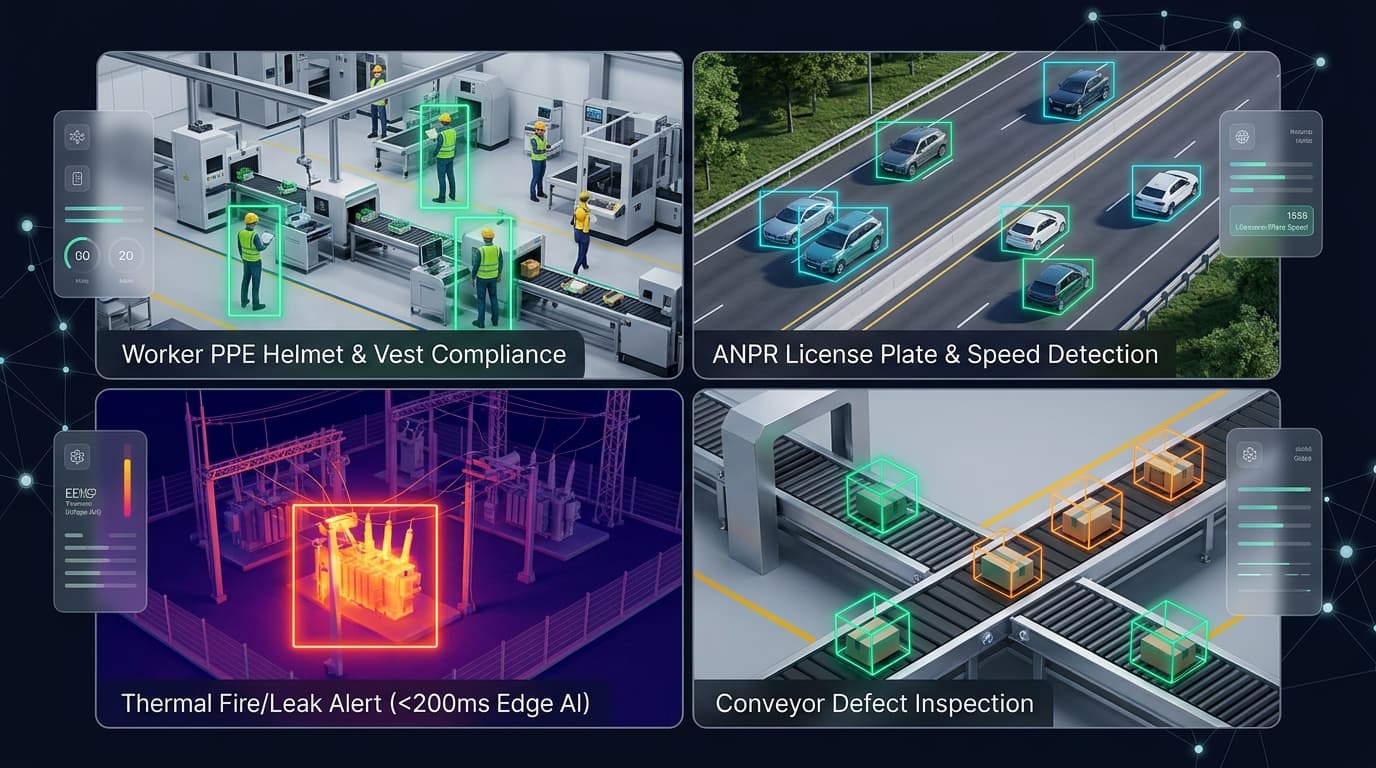
Most off-the-shelf ERP systems connect to machines only through integrations or manual entry. Reading equipment directly needs an edge layer that speaks industrial protocols such as Modbus, OPC-UA or MQTT, which then feeds the ERP. Plants with older machines usually add that layer rather than replacing the ERP.
How long does a manufacturing ERP implementation take?
A single-site cloud MRP with clean data can go live in 4 to 8 weeks. Multi-module ERP across production, finance and quality typically takes 3 to 6 months. The long pole is almost always data: bills of materials, routings and item masters that have drifted in spreadsheets for years.
Can a manufacturer build a custom ERP?
Yes, and it is worth it when the process is the competitive advantage or when machine, GIS and sensor data must live beside finance. Custom ERP costs more upfront than a subscription, and it pays back when off-the-shelf workflows would force the plant to work the vendor's way.
Should a manufacturer buy ERP or MES first?
Buy ERP first if orders, stock and costing are the problem, and MES first if the shop floor itself is the bottleneck. ERP plans and records the business; MES executes and monitors production in real time. Smaller plants often run ERP alone with machine data feeding it.
Connect your shop floor to your ERP
YoByTech engineers cloud ERP platforms and the LPU, PLC and RTM layer underneath them, so production data reaches finance without a spreadsheet in between. Book a shop-floor-to-ERP scoping call.
Bikram Pattanayak, YoByTech Automation
Published by YoByTech Automation Pvt. Ltd. Every product and pricing figure is verified directly from the respective vendor's published documentation and government/standards-body references.