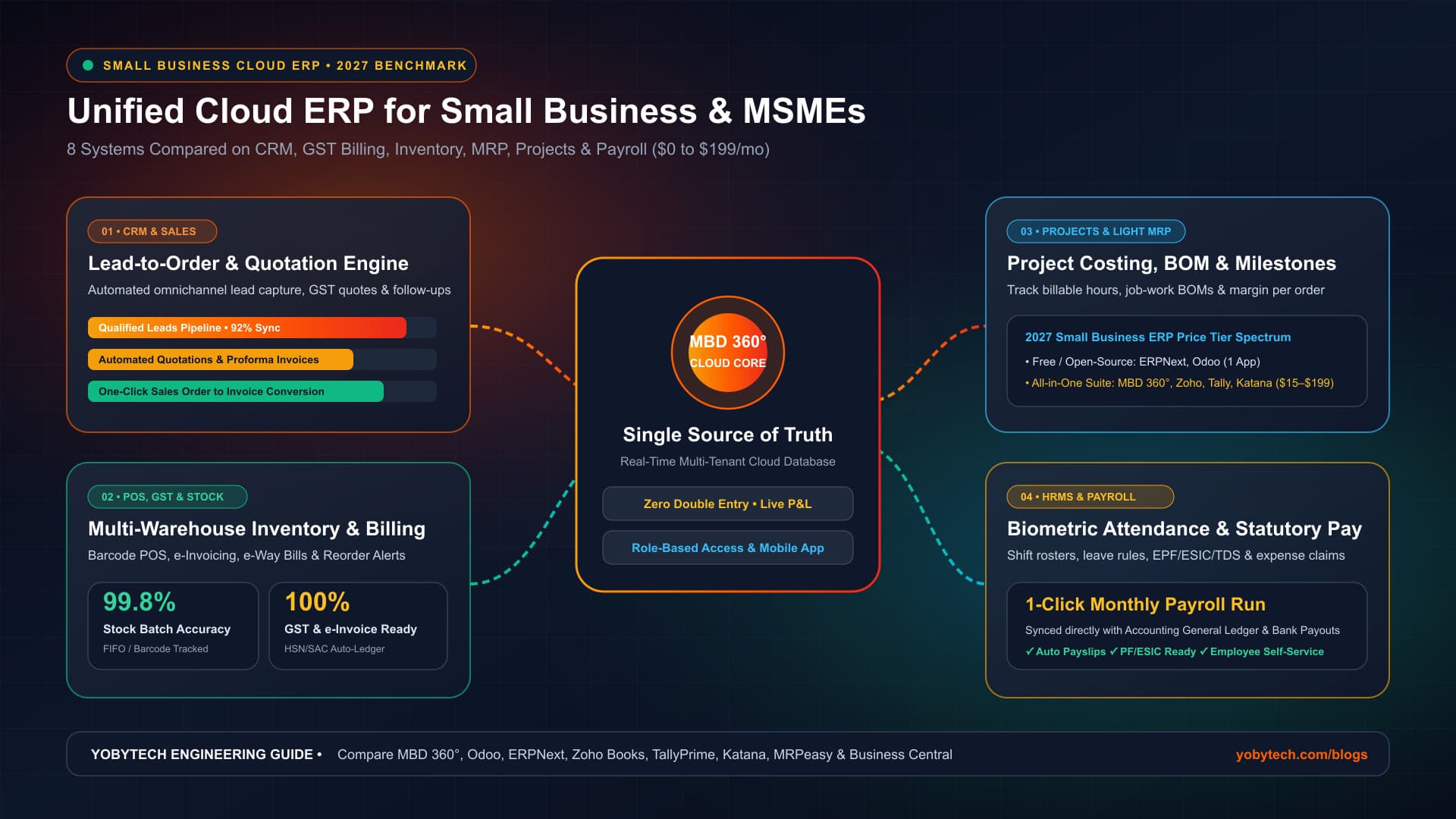
ERP software for small business is one system that holds sales, inventory, finance, projects and people, instead of a stack of spreadsheets that never agree. A small firm rarely needs every module on day one, so the practical question is which system covers your busiest process without charging enterprise rates. This guide compares 8 systems on price, modules and the kind of business each one fits.
What is the best ERP system for small business in 2027?
There is no single winner, because a 6-person consultancy and a 20-person factory need different modules. The table ranks each system by the small business it fits best.
| ERP system | Best for | Listed starting price | Free option |
|---|---|---|---|
| 1. MBD360 (YoByTech) | CRM, projects, HR and service in one suite | Quote on request | Demo |
| 2. Odoo | Growing firms adding modules one at a time | $0 for one app, then $24.90/user/month | One App Free |
| 3. Zoho Books | Finance-led small businesses | $15/org/month | Free plan |
| 4. ERPNext | Teams with technical help in house | Hosting from $5/month | Open-source |
| 5. TallyPrime | Indian SMEs on GST billing | From ₹750/month | Trial |
| 6. Deskera | Firms wanting ERP, CRM and MRP bundled | $199/user/month | Trial |
| 7. Katana | Small makers tracking stock and orders | $0 up to 30 SKUs | Free plan |
| 8. MRPeasy | Small factories planning production | $49/user/month | Trial |
What is ERP software for a small business?
ERP stands for enterprise resource planning: one database that every department writes to, so a sale, a stock movement and an invoice are the same record. For a small business, that mainly removes double entry between a spreadsheet, an accounting tool and a WhatsApp group.
A small-business ERP usually covers 5 areas:
- 1Sales and CRM: leads, quotes, orders and follow-ups.
- 2Finance: invoices, payments, tax and reports.
- 3Inventory: stock levels, purchase orders and suppliers.
- 4Operations: projects, jobs or production runs.
- 5People: attendance, leave and payroll.
Company size decides which tier fits. The US Small Business Administration treats most manufacturers with 500 employees or fewer, and most non-manufacturing firms under $7.5 million in average annual receipts, as small businesses. Every product below is built for that scale or smaller.
The difference from accounting software is scope. Accounting software answers "what did we earn and spend", while ERP also answers "what is in stock, who owns this job and when does it ship".
What are the top ERP systems for small business?
The 8 systems below cover general operations, accounting-led setups and small manufacturing. Fit, notable features and the published price are listed for each one.
1. MBD360 by YoByTech
MBD360 is an 8-module cloud suite built for fast-scaling SMEs, covering leads, clients, projects, employee self-service, HR, complaints, annual maintenance contracts and tasks. It suits a small firm that sells, delivers and then services what it sold, because all 8 modules write to one database instead of three. No re-keying.
- Sales: omni-channel lead capture from web forms, email and WhatsApp, with AI lead scoring.
- Projects: Gantt timelines, billable timesheets and live budget burn rates.
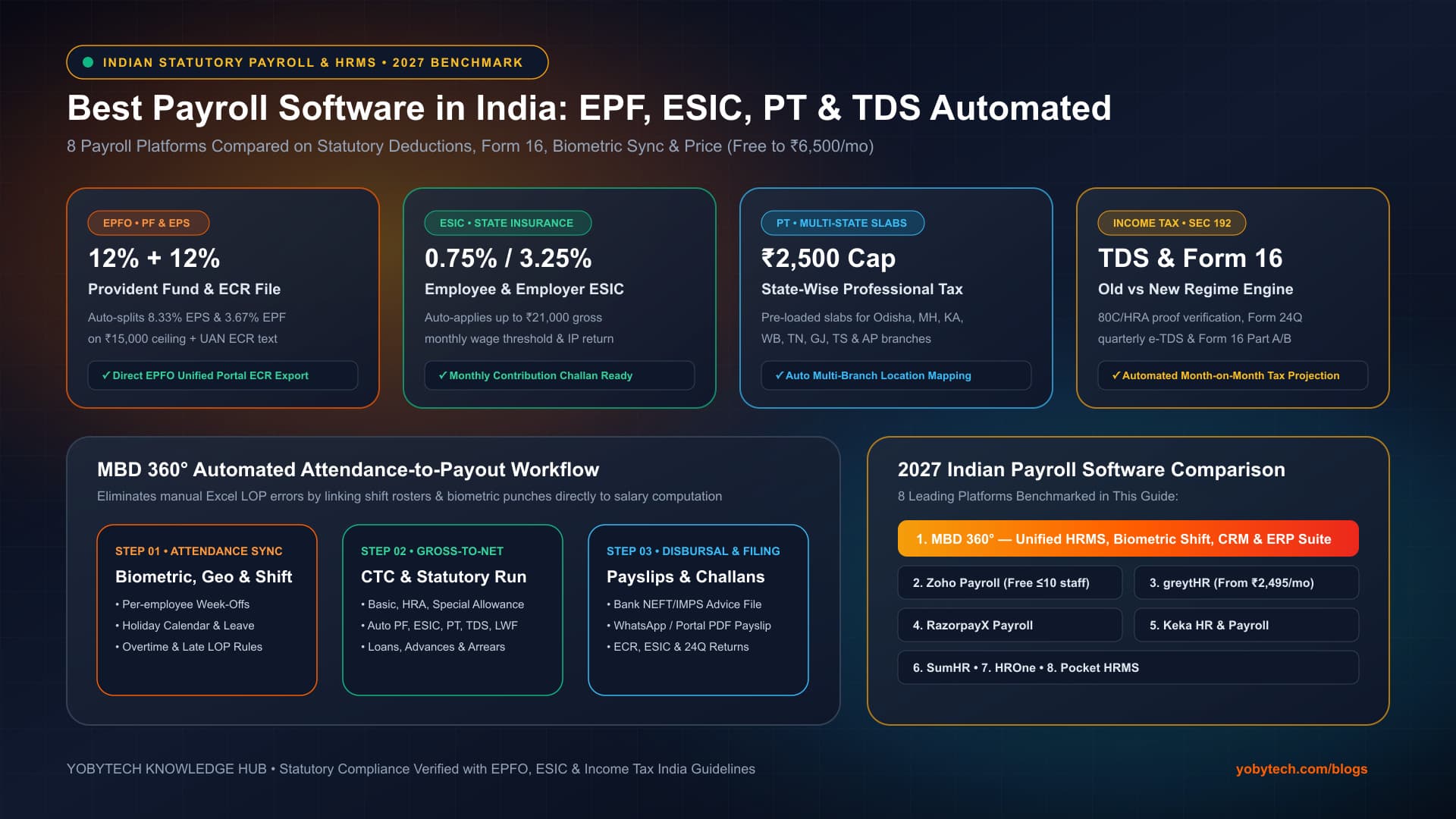
- People: payroll with PF, ESIC, Professional Tax and TDS, plus geo-tagged mobile attendance.
- Service: SLA timers, escalations and AMC renewal invoices raised 30 days before expiry.
- Reported results: YoByTech reports a 40% lift in lead conversion and a 99.2% SLA resolution rate.
- Price: quote on request. See the MBD360 module architecture.
Best fit? Service businesses that currently run CRM, HR and job tracking in three unconnected tools.
2. Odoo
Odoo lets a small business start with one app free, for unlimited users, then pay per user when a second app is added. Its Standard plan is listed at $24.90 per user per month on annual billing, or $31.10 billed monthly. Costs climb with headcount.
- Apps: accounting, CRM, inventory, manufacturing, POS, website and more.
- Custom plan: $49.00 per user per month on annual billing, adding Odoo.sh and on-premise hosting.
- Details: see the Odoo pricing page.
3. Zoho Books
Zoho Books charges per organisation rather than per user, which keeps costs flat as a small team grows. The Free plan covers solopreneurs and micro businesses with 1 user plus 1 accountant.
- Standard: $15 per organisation per month billed annually, or $20 monthly.
- Professional: $40 billed annually, adding sales and purchase orders and multi-currency.
- Wider suite: Zoho One bundles the full app set at US$37 per employee per month on all-employee pricing, first year only, or US$90 on flexible user pricing, per the Zoho One pricing page.
- Details: see the Zoho Books pricing page.
4. ERPNext
ERPNext is free and open-source, and it does not charge per user at all. You pay for hosting instead, and Frappe Cloud lists a single site on shared servers from $5 a month, about ₹410. The trade is money for maintenance effort.
- Cost model: hosting plus optional implementation by a Frappe partner.
- Fit: teams with a developer or a partner, since setup is on you.
- Details: see the ERPNext pricing page.
5. TallyPrime
TallyPrime is the default book-keeping and GST billing system for a large share of Indian small businesses. Plans start at ₹750 a month, per the Tally Solutions site.
- Covers: billing, inventory and GST returns.
- Fit: Indian SMEs whose accountant already works in Tally. Familiarity wins here.
6. Deskera
Deskera bundles ERP, CRM and MRP, and reports more than 300,000 users. Its ERP MRP Growth plan starts at $199 per user per month billed annually, with a 5-user minimum, aimed at businesses with 5 to 20 employees.
- Included: accounting, financial reports, bank connect, CRM, expense and leave tracking, warehouse and lot tracking.
- Details: see the Deskera pricing page.
7. Katana
Katana is cloud inventory and manufacturing software for product businesses. Its Free plan covers up to 30 SKUs with unlimited users, integrations and inventory locations, which suits a workshop testing the waters.
- Advantage tier: quoted on request, onboarding included.
- Details: see the Katana pricing page.
8. MRPeasy
MRPeasy is production planning for small factories, priced at $49 per user per month on the Starter plan. From the 11th user it drops to $79 per 10 users. Larger shop floors get cheaper per head.
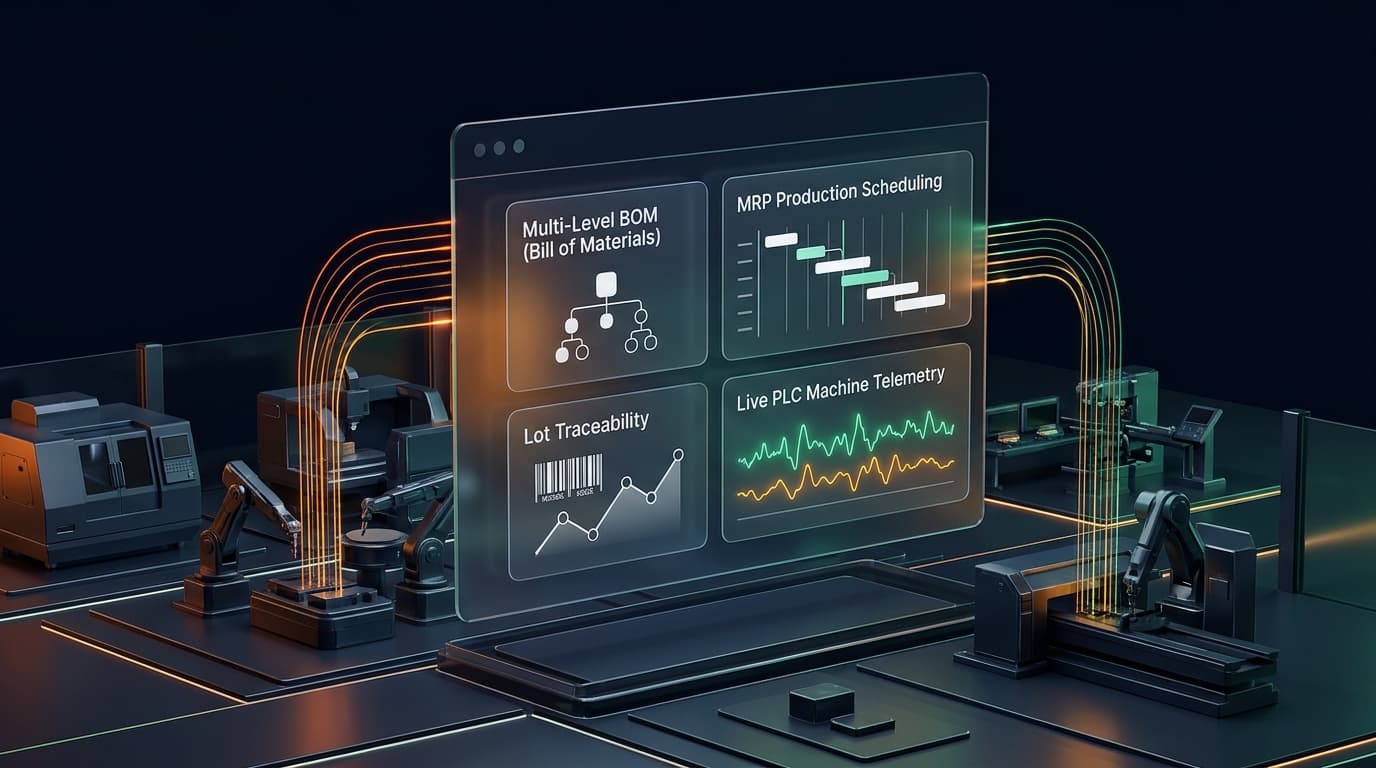
- Included: production planning, bill of materials, lot traceability, supply chain and warehouse management.
- Details: see the MRPeasy pricing page.
How much does ERP software cost for a small business?
ERP system cost for a small business runs from $0 to about $199 per user a month on listed plans. Per-organisation pricing stays flat as the team grows. Per-user pricing rises with every hire, which is the single biggest cost difference over 3 years.
| System | Listed price | Pricing model |
|---|---|---|
| ERPNext | From $5/month hosting | Per site |
| Zoho Books Standard | $15/org/month | Per organisation |
| Odoo Standard | $24.90/user/month | Per user |
| MRPeasy Starter | $49/user/month | Per user |
| Zoho One | US$37/employee/month | Per employee |
| Deskera ERP MRP Growth | $199/user/month | Per user, 5 minimum |
Our calculation shows how the models diverge. At 10 users, Zoho Books Standard stays $15 a month, Odoo costs $249, and Deskera costs $1,990 before any implementation fee.
What hidden costs should a small business expect?
Budget for 3 costs the price page does not show: data migration, implementation and training. Open-source systems move the cost from licence to labour, so ERPNext can cost more in week one than Odoo and less in year three.
Is there free ERP software for small business?
Yes: Odoo's One App Free plan, Zoho Books' Free plan and Katana's free tier all cost $0, and ERPNext is free and open-source. Each free option has a hard edge. You will hit it as you grow.
- Odoo One App Free: unlimited users, but only one app.
- Zoho Books Free: aimed at solopreneurs and micro businesses, 1 user plus 1 accountant.
- Katana Free: up to 30 SKUs.
- ERPNext: no licence fee, but you pay for hosting and setup.
A free plan proves the workflow. Paid plans start when a second department needs the same data, and that usually arrives sooner than owners expect.
What is the best open-source ERP for a small business?
ERPNext is the strongest open-source ERP for most small businesses, because it ships finance, stock, CRM and manufacturing in one codebase. Odoo also offers a community edition, and Odoo's own cloud plans start at a free single app.
Open source suits you when someone can own upgrades, backups and customisation. It suits you poorly when nobody on the team is technical. There is no vendor to call at month-end.
Does a small manufacturer need a different ERP?
Yes, in one respect: a manufacturer needs a bill of materials and production scheduling, which general small-business ERP tools leave out. Katana and MRPeasy are built around that, while Odoo and Deskera add manufacturing modules to a wider suite.
| Need | Best match |
|---|---|
| Under 30 SKUs, testing software | Katana Free |
| Production planning and lot traceability | MRPeasy |
| Manufacturing plus CRM and website | Odoo |
| ERP, CRM and MRP bundled | Deskera |
Plants that also want machine data in the ERP need a custom layer. YoByTech builds custom cloud ERP platforms that pull live IoT and field telemetry into the same database as finance and inventory, which off-the-shelf tools rarely do.
How do you choose an ERP system for a small business?
Choose a small-business ERP in 5 steps, starting with the process that hurts most today. Buying the biggest suite first is how small firms end up paying for modules nobody opens.
- 1Name the pain: stock-outs, late invoices, lost leads or payroll errors.
- 2List must-have modules: 3 to 4, not 10.
- 3Price it at 3 years: multiply per-user cost by expected headcount.
- 4Test with real data: load last month's orders and run a close.
- 5Check the exit: confirm you can export your data if you leave.
What mistakes should small businesses avoid with ERP?
The 3 common mistakes are buying on feature lists, skipping data cleanup and going live across every department at once. Clean your customer and item master first, then launch one module and add the next after it sticks.
Frequently asked questions about ERP for small business
Is ERP worth it for a small business?
ERP is worth it once double entry between tools starts costing real hours or causing errors customers notice. For a 3-person firm, accounting software plus a spreadsheet is usually enough. Past roughly 10 staff, or once stock and jobs must line up with invoices, one shared database pays for itself.
What is the difference between ERP and accounting software?
Accounting software records money: invoices, payments, tax and reports. ERP records the whole operation, including stock, purchase orders, production, projects and staff, with accounting as one module inside it. Many small firms start with accounting software such as Zoho Books or TallyPrime and add ERP modules as they grow.
How long does a small business ERP implementation take?
A simple cloud ERP with clean data can go live in 2 to 6 weeks for one or two modules. Multi-module rollouts with migration from spreadsheets typically take 2 to 4 months. The timeline is driven by data quality and staff training far more than by the software itself.
Can a small business build a custom ERP instead?
Yes, and it makes sense when your workflow is genuinely unusual or must connect to machines, sensors or GIS data that off-the-shelf tools ignore. Custom ERP costs more upfront than a subscription, so it suits firms whose process is their advantage rather than those who just want standard accounting.
Can a small business use ERP without an IT team?
Yes, for cloud ERP with standard modules. The vendor handles hosting, updates and backups, so you need a process owner rather than an administrator. Open-source systems such as ERPNext are the exception, since someone must manage upgrades, servers and customisation.
Build the ERP your process actually needs
YoByTech engineers modular cloud ERP platforms where HRMS, finance, procurement, QR and RFID inventory and live field telemetry run in one database, secured with role-based access, MFA and AES-256. Talk to the ERP engineering team, or explore MBD360 for CRM, operations and HR.
Bikram Pattanayak, YoByTech Automation
Published by YoByTech Automation Pvt. Ltd. Every product and pricing figure is verified directly from the respective vendor's published documentation and government/standards-body references.